Moto Z2 Play launched, here are the complete specifications
the long awaited Moto Z2 Play is now available. Though the quality has taken a dip, the specs seem impressive at the moment. Find out all specifications of the phone here.
the long awaited Moto Z2 Play is now available. Though the quality has taken a dip, the specs seem impressive at the moment. Find out all specifications of the phone here.

Multitask by opening YouTube videos in picture-in-picture mode like a floating bubble window and play audio in the background without using Android O or being a YouTube RED subscriber.

Chrome not suggesting any values for the form field and you need to regularly fill out that form again and again? Worry not, here is a simple way for force Chrome to autosave field values and later autofill them all at once with a single click.

It’s frustrating when Gmail does not add email ID when you type the name, because it is not yet saved. Here is a quick way to create a contact from the email you received.
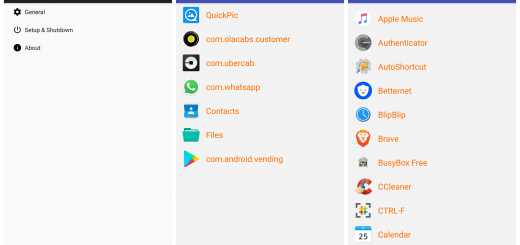
Want to use the same instances of an app on your mobile? With app cloning, you can use the single app with multiple accounts without logging out and login in back. Here is our take on the best ones available.

Learn how to access Chrome’s special pages with a single click by placing them on the bookmarks bar. Also, how to use the bookmarks bar like a pro with folders and icons so you never have to type a site again.
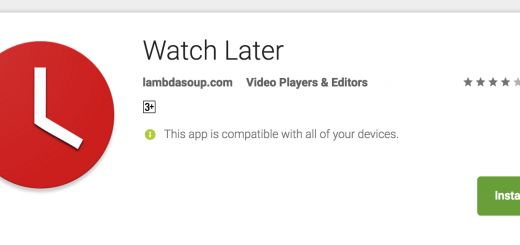
Save YouTube videos to Watch Later playlist from anywhere on your phone without opening the YouTube app. Be free from the trouble of waiting for the app to load, video to buffer and selecting the options.

A quick tip to watch restricted YouTube videos that are not available to your country by bypassing the IP address via a different site. No VPNs or extensions now needed to access blocked videos.

Instantly access personal information stored in your Google account by simply searching for it in Google’s search engine.

Here’s our suggestion for a snappy & feature rich browser which supports ad blocking, for smartphone and PC users.
Here’s a close look at two essential Chrome extensions which will help expand your vocabulary and grammar while improving your writing skills.

Clip any web page or file you see on Google Chrome directly to your Drive and Keep accounts using these two extensions.
We're always around and love hearing from you. Mail us if you want to ask something, share a feedback or even just to say hello :-)