Get Desktop Style Multitasking on Android & Run Multiple Floating Apps
Here’s a handy app that turns any Android phone or tablet into a desktop-style taskbar interface with a start menu to multitask between many floating apps.
Simple, Useful Tricks on Google Products
Here’s a handy app that turns any Android phone or tablet into a desktop-style taskbar interface with a start menu to multitask between many floating apps.

If you’re a Kindle owner and love to read the daily news straight from a Kindle, this free app & extension will make that a reality in just a two taps.

Google recently enabled video stabilisation for its Photos app but it’s not the most conspicuous feature. Learn how to use it to stabilise videos from the app.

Hate the emojis that come on Samsung phones? Or maybe you like Google’s old emoji style. Here’s an Android app to help you change the emojis systemwide.

Want to see your active password without resetting it? Learn how to view saved passwords, manage password sync and delete them on Google Chrome.

If you’re into apps, here’s a roundup of tips to improve the Google Play Store experience and recommendations to get around common annoyances.
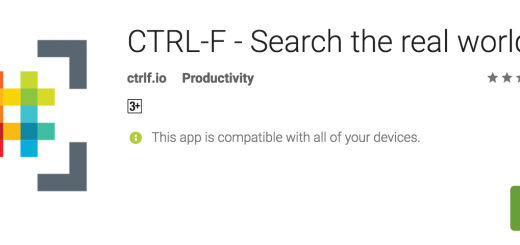
If you have a piece of text in a book or journal that you’d like to quickly digitise, this free app is easily the most effective way to get the job done.

Multitask by opening YouTube videos in picture-in-picture mode like a floating bubble window and play audio in the background without using Android O or being a YouTube RED subscriber.

Chrome not suggesting any values for the form field and you need to regularly fill out that form again and again? Worry not, here is a simple way for force Chrome to autosave field values and later autofill them all at once with a single click.
Want to use the same instances of an app on your mobile? With app cloning, you can use the single app with multiple accounts without logging out and login in back. Here is our take on the best ones available.

Learn how to access Chrome’s special pages with a single click by placing them on the bookmarks bar. Also, how to use the bookmarks bar like a pro with folders and icons so you never have to type a site again.
Save YouTube videos to Watch Later playlist from anywhere on your phone without opening the YouTube app. Be free from the trouble of waiting for the app to load, video to buffer and selecting the options.